

Auditor: Select a Company
Choose which linked company you want to review.
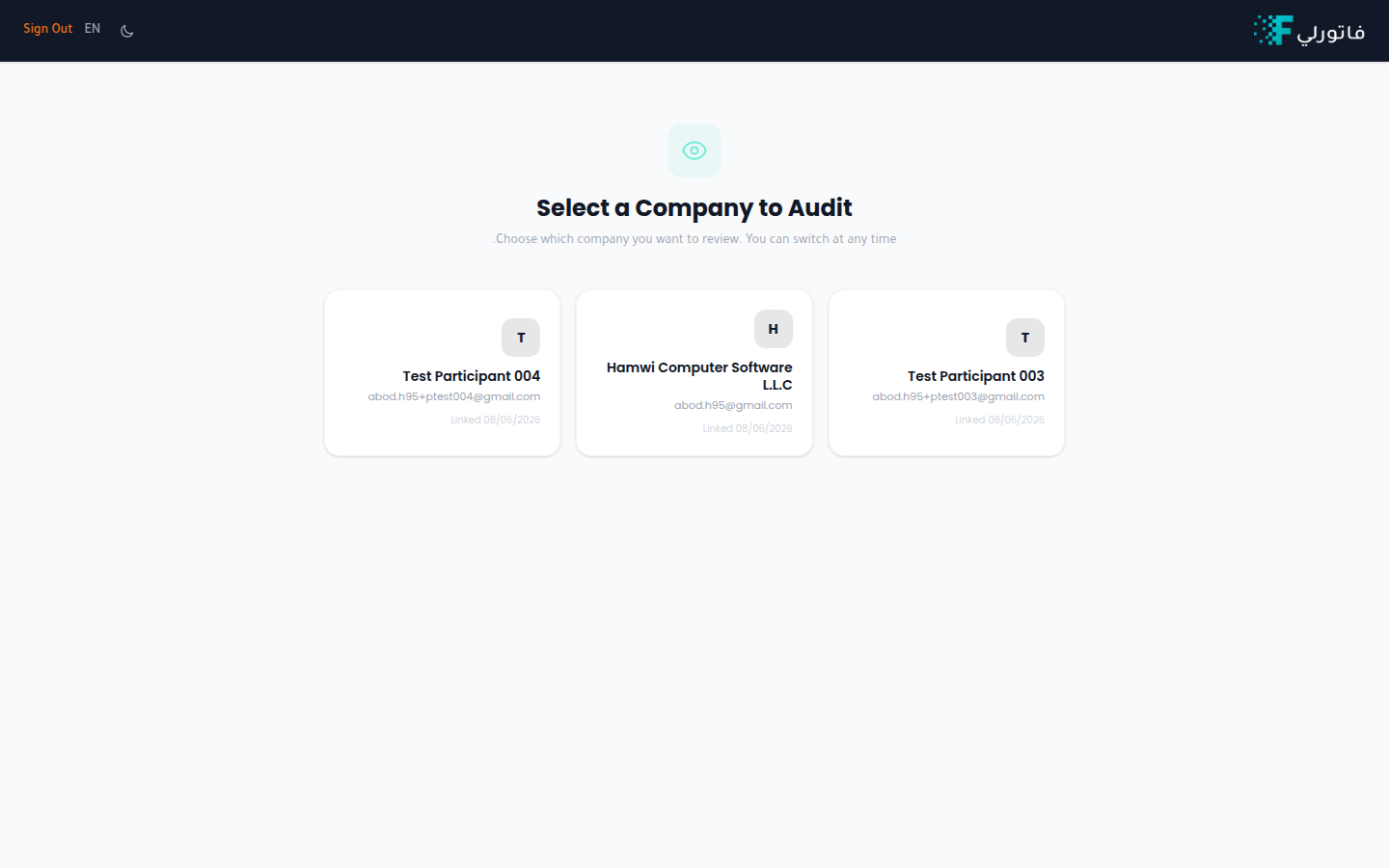
If your account has the auditor role, you sign in to a dedicated company selector instead of a single company's dashboard. From here you choose which of your linked companies to review.
How it works
Get linked to a company
A company adds you as an auditor from their Company Auditors settings. Once linked, the company appears in your list.
Sign in
Sign in with your auditor credentials. You land on Select a Company to Audit.
Choose a company
Each card shows the company name, its account email, and the date you were linked. Select a card to open that company in read-only mode.
Switch any time
Use Switch Company inside a company to return here and pick another.
Note
The company selector screen is shown in English.
Tip
Don't see a company you expect? Ask them to confirm they've added your email under Settings → Auditors.