

Forgot Password
Request a password reset link for your Fatorly account.
If you cannot remember your password, use this page to request a reset link. Fatorly emails you a secure link to set a new password.
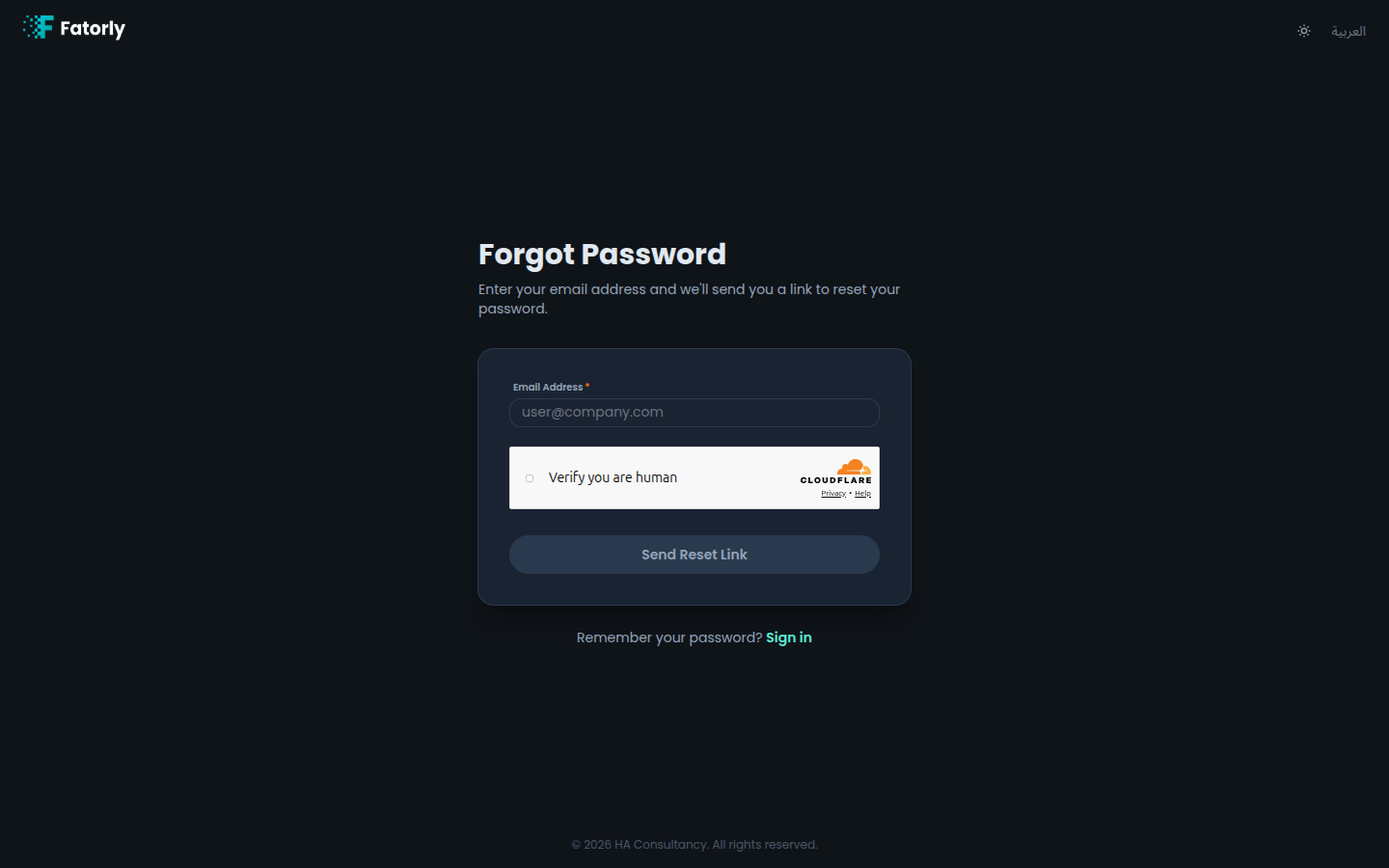
Request a reset link
Open the page
From the login page, select Forgot your
password?, or navigate to /forgot-password.
Enter your email
Type the email address registered to your account.
Complete the security check
If a security check is shown, complete it.
Send the request
Select Send Reset Link. A confirmation appears letting you know an email is on its way if the address matches an account.
Open the email
Follow the link in the email to set a new password — see Reset Password.
Note
For security, the confirmation message is the same whether or not the email matches an existing account. This prevents others from discovering which emails are registered.
Tip
The reset link expires after a limited time. If it stops working, simply request a new one from this page.
Remembered your password? Select Sign in to return to the login page.