

Submission Failures
Review invoices whose Peppol submission failed and retry them.
Submission Failures lists the invoices whose Peppol submission did not
succeed, so you can review what went wrong and retry them. Open it from
Reports → Submission Failures in the sidebar, at /submissions/failed.
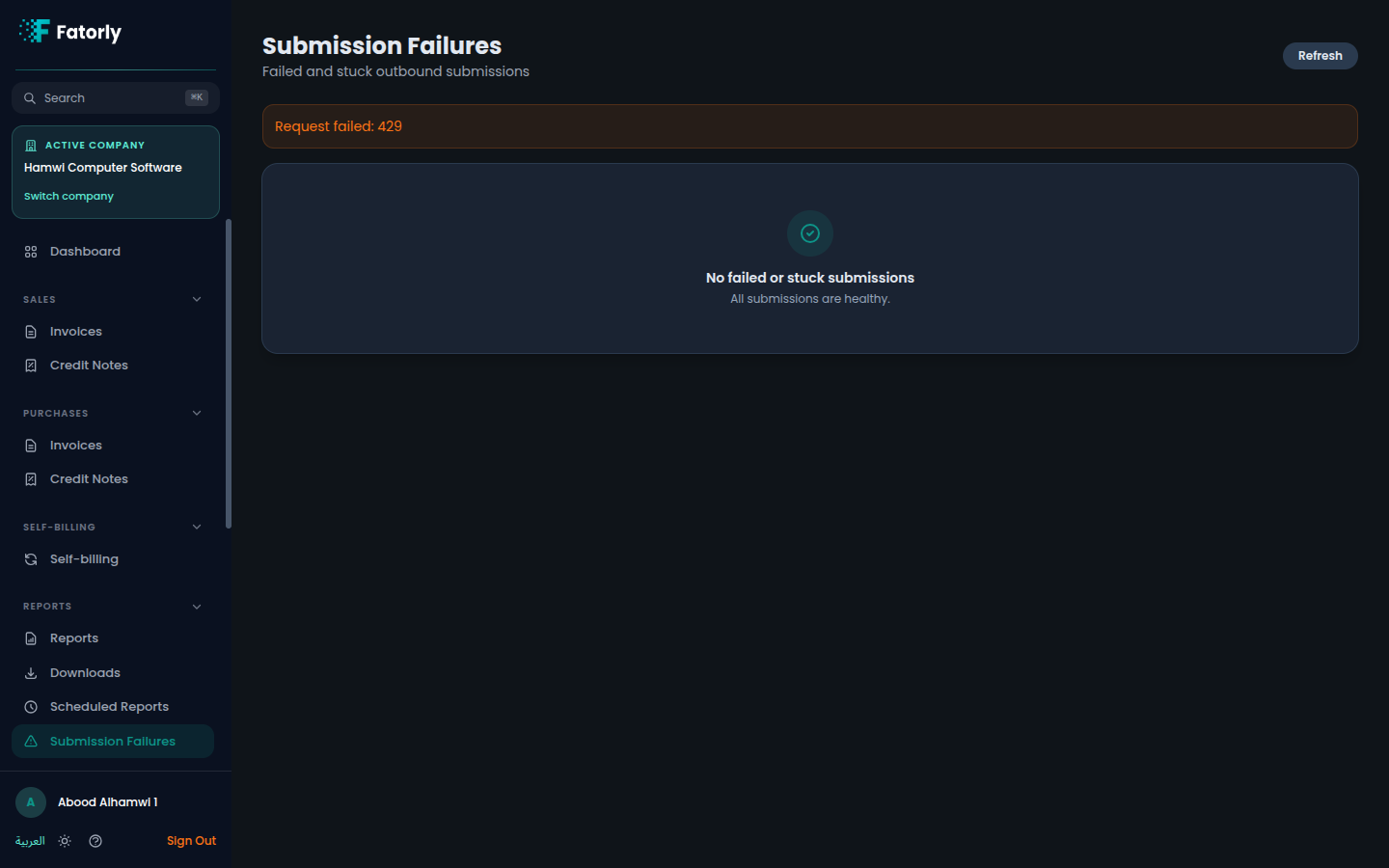
The list
Each row is an invoice whose submission failed. The list lets you see which document is affected and identify the failures that still need attention, so you can work through them.
Review and retry
Open the failed invoice
Select an invoice in the list to open its view and read the details of the failure.
Address the cause
Review the reason the submission failed and correct anything the document needs before trying again.
Retry the submission
Retry the submission. If it succeeds, the invoice clears from the failures list.
Note
Submission Failures covers Peppol delivery problems specifically. For ordinary report exports — such as receivables aging or a VAT summary — use the Reports hub instead.
Related
- View an Invoice — review a document and submit or resubmit it.
- Reports — the report hub.