

Create an Account
Register for a Fatorly account to start issuing compliant e-invoices.
The registration page is where new users create a Fatorly account. After you register, Fatorly sends a verification email — you confirm your address before signing in for the first time.
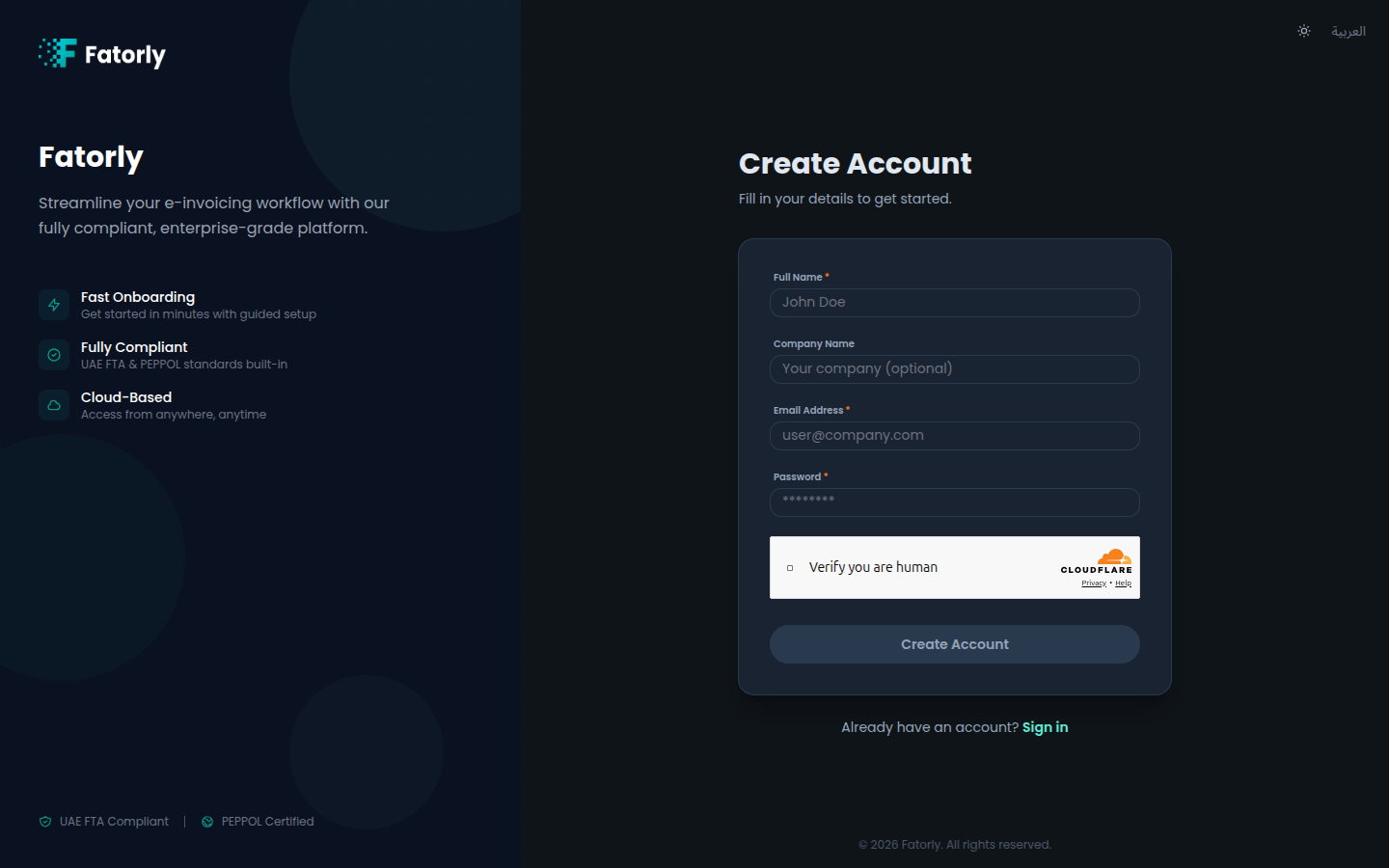
Create your account
Open the registration page
Go to the sign-in screen and select Create
one, or navigate directly to /register.
Enter your details
Fill in your full name, email address, and a password. Optionally add your company name.
Complete the security check
If a security check is shown, complete it. The Create Account button stays disabled until the required fields are filled and the check passes.
Submit
Select Create Account. Fatorly creates your account and sends a verification email.
Verify your email
Open the email and confirm your address. See Verify Email for details. You can resend the email from the confirmation screen if it does not arrive.
Fields
| Field | Required | Description |
|---|---|---|
| Full Name | Yes | Your name as the account owner. |
| Company Name | No | Your business name. You can also set or change this later in Company Profile. |
| Email Address | Yes | Used to sign in and to receive the verification email. Must be a valid address you can access. |
| Password | Yes | Your account password. |
Tip
Use an email address you check regularly — account verification, password resets, and important notifications are sent there.
Note
Registering creates your user account only. To send and receive invoices over the PEPPOL network, complete onboarding to link your business with the UAE Federal Tax Authority (FTA).
Already have an account?
Select Sign in to go to the login page.