

Reports
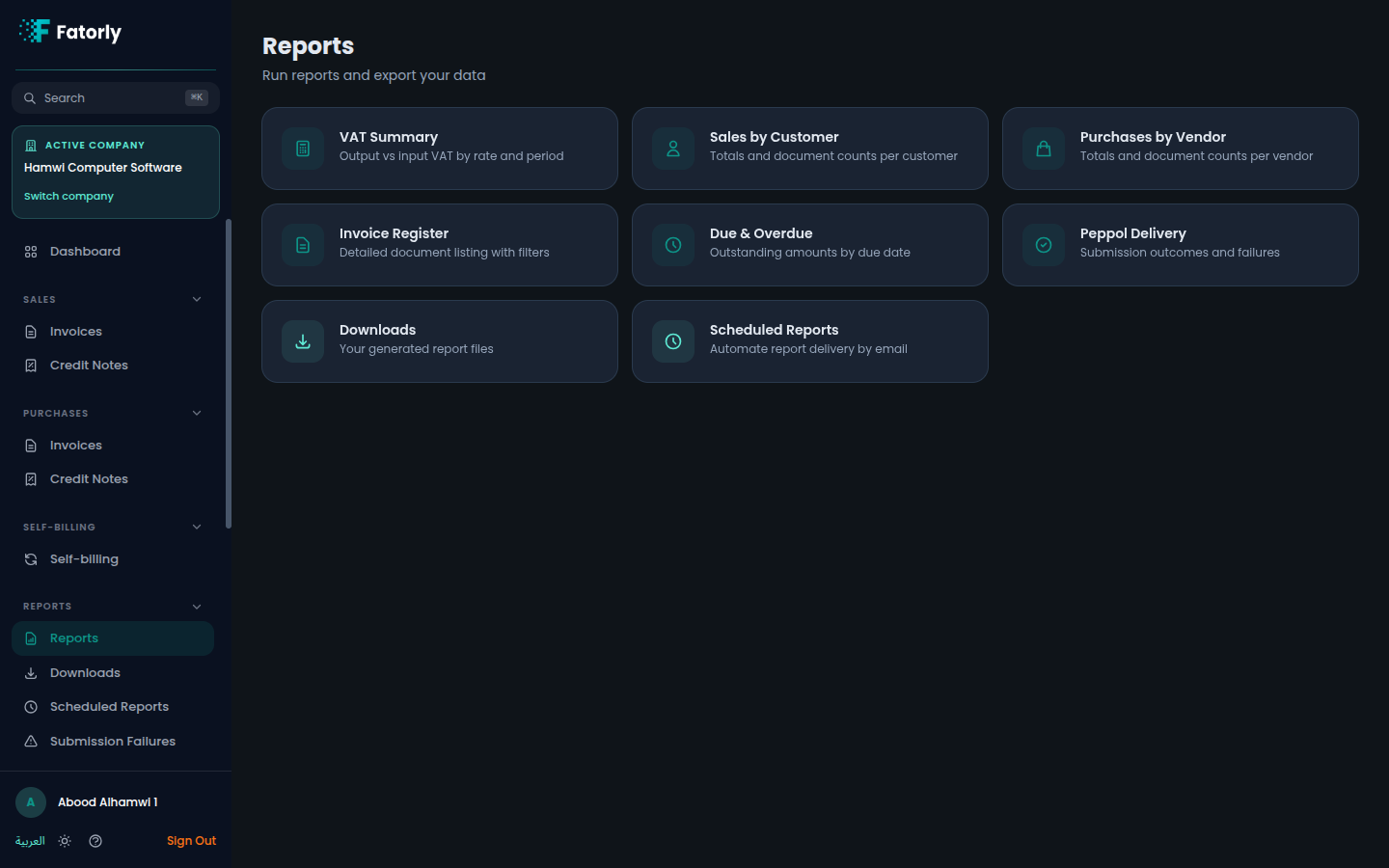
The Reports hub — the curated reports Fatorly offers, how to open one, and where exports and schedules live.
The Reports section is where you turn the documents in Fatorly into
ready-to-read summaries — receivables aging, sales and purchase totals,
VAT/tax breakdowns, and document-status lists. Open it from Reports in the
sidebar, which lands on the report hub at /reports.
Available reports
The hub lists a set of curated reports, each as its own card. The exact set may grow over time, but you can expect reports such as:
- Due & overdue — a receivables-aging view of customer invoices that are due now or already past their due date.
- Sales summary — totals for the invoices you have issued over a period.
- Purchase summary — totals for the documents you have received.
- VAT / tax summary — VAT and other tax amounts grouped for reporting.
- Document status — a breakdown of your documents by where they are in their lifecycle.
Note
The reports you see depend on your plan and your role. If a report you expect is missing, check with an administrator on your account.
Open a report
Select any report card to open it at /reports/:reportKey. From there you can
set filters such as a date range and then export the result. See
Running a Report for the full flow.
Exports and scheduling
The Reports section keeps two companions alongside the report list:
- Downloads — every export you generate collects
here at
/reports/downloads, ready to download. - Scheduled Reports — set a report to run
automatically on a recurring basis at
/reports/schedules.
Tip
For Peppol submission problems specifically, use Submission Failures — it lists invoices whose submission failed so you can review and retry them.
Related
- Running a Report — open a report, filter it, and export to CSV, Excel, or PDF.
- Downloads — where generated exports land.
- Scheduled Reports — run reports automatically.
- Submission Failures — review and retry failed Peppol submissions.