

Getting Started
Verify Email
Confirm your email address to activate your Fatorly account.
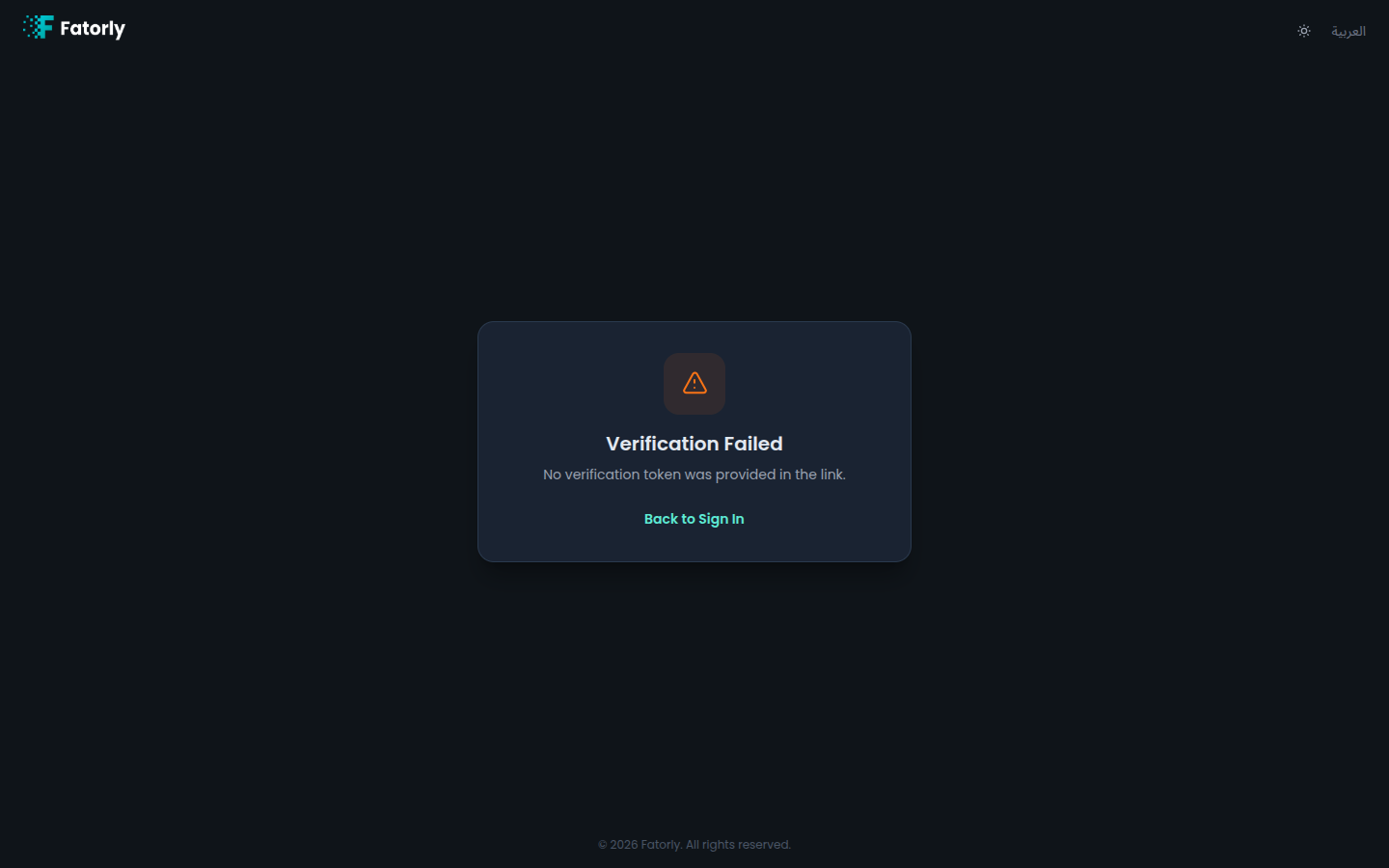
After you register, Fatorly sends a verification email. Selecting the link in that email opens this page, which confirms your address and activates your account.
How verification works
Register
Create your account on the registration page.
Open the verification email
Check your inbox for the email from Fatorly and select the verification link.
Wait for confirmation
The page verifies your token automatically and shows the result.
Sign in
On success, select Sign In to go to the login page.
Page states
| State | What it means |
|---|---|
| Verifying | The link is being checked. This is shown briefly while processing. |
| Success | Your email is confirmed and your account is active. You can now sign in. |
| Error / link invalid | The link is missing, expired, or already used. Request a new verification email. |
Tip
Didn't get the email? You can resend it from the confirmation screen shown right after registering. Also check your spam or junk folder.