

Account
Your Profile
Manage your name, contact details, preferences, and account security.
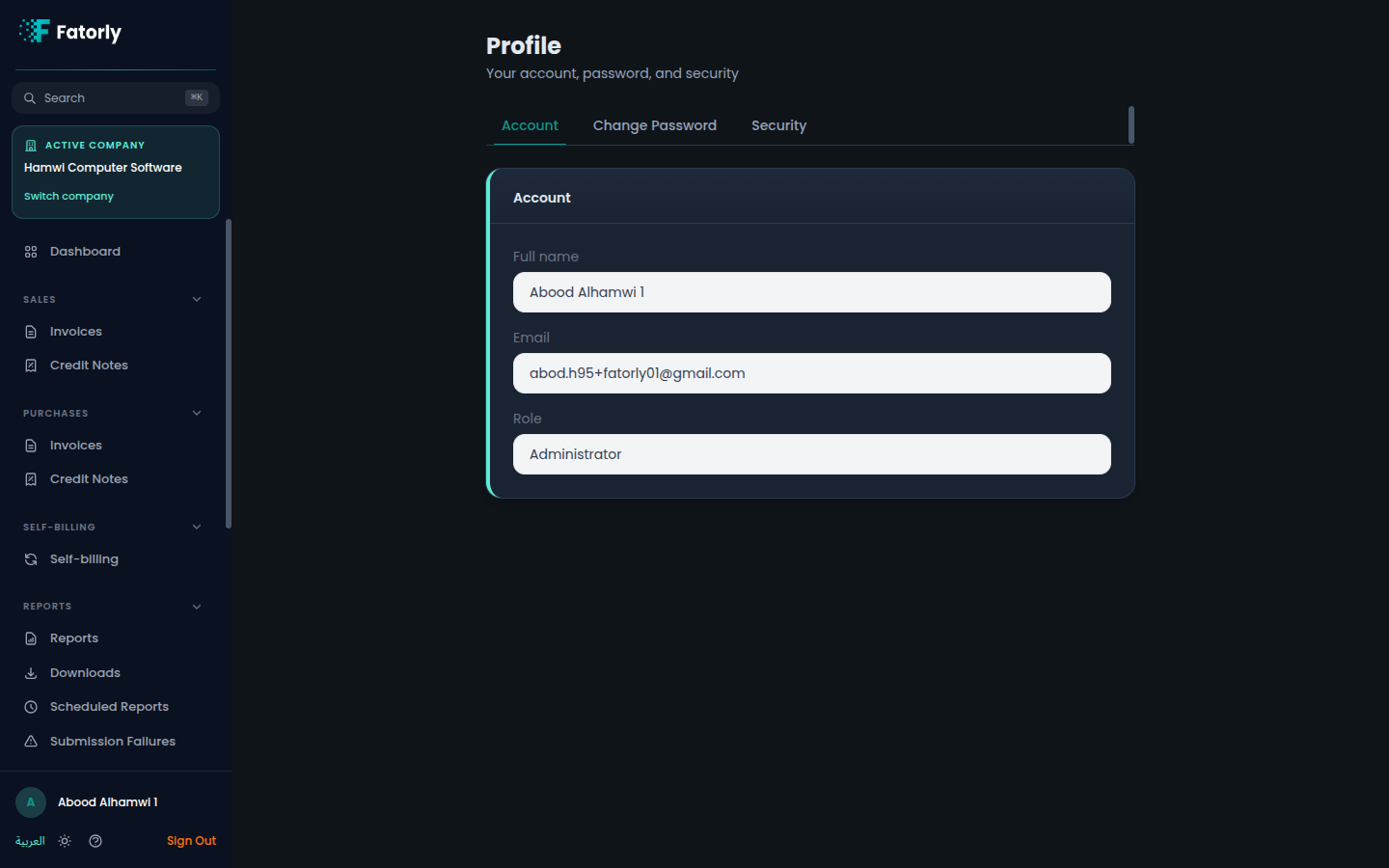
The Profile page (route /profile) is where you manage your personal
account — your name and contact details, your language and theme preferences, and
your account security. Open it from Account in the sidebar.
Your details
The profile shows the basic information tied to your user account:
| Field | Description |
|---|---|
| Name | Your display name. |
| The email you sign in with and where account notifications are sent. |
Note
This page covers your personal user account. Settings that apply to your business live under Company — see Company Profile.
Preferences
Choose how the app looks for you:
- Language — switch between English and العربية.
- Theme — switch between light and dark mode.
Your choice is remembered for your account.
Security
From the profile area you can keep your account secure:
- Change password — update your password while signed in. See Change Password.
- Two-factor authentication (MFA) — the entry point for setting up an authenticator app for an extra layer of security. See MFA Setup.
Tip
Enabling two-factor authentication is the single best step you can take to protect your account.
Related
- Change Password — update your password.
- MFA Setup — add two-factor authentication.
- Switching Companies — if your account has access to more than one company.