

Payment Methods
Maintain a reusable list of payment methods you can select on your invoices.
Payment methods are the ways your customers can pay you — such as Bank Transfer, Cash, Check, or a card type. Maintaining the list here means you can pick a payment method on an invoice instead of retyping it each time. Open the page from Master Data → Payment Methods in the sidebar.
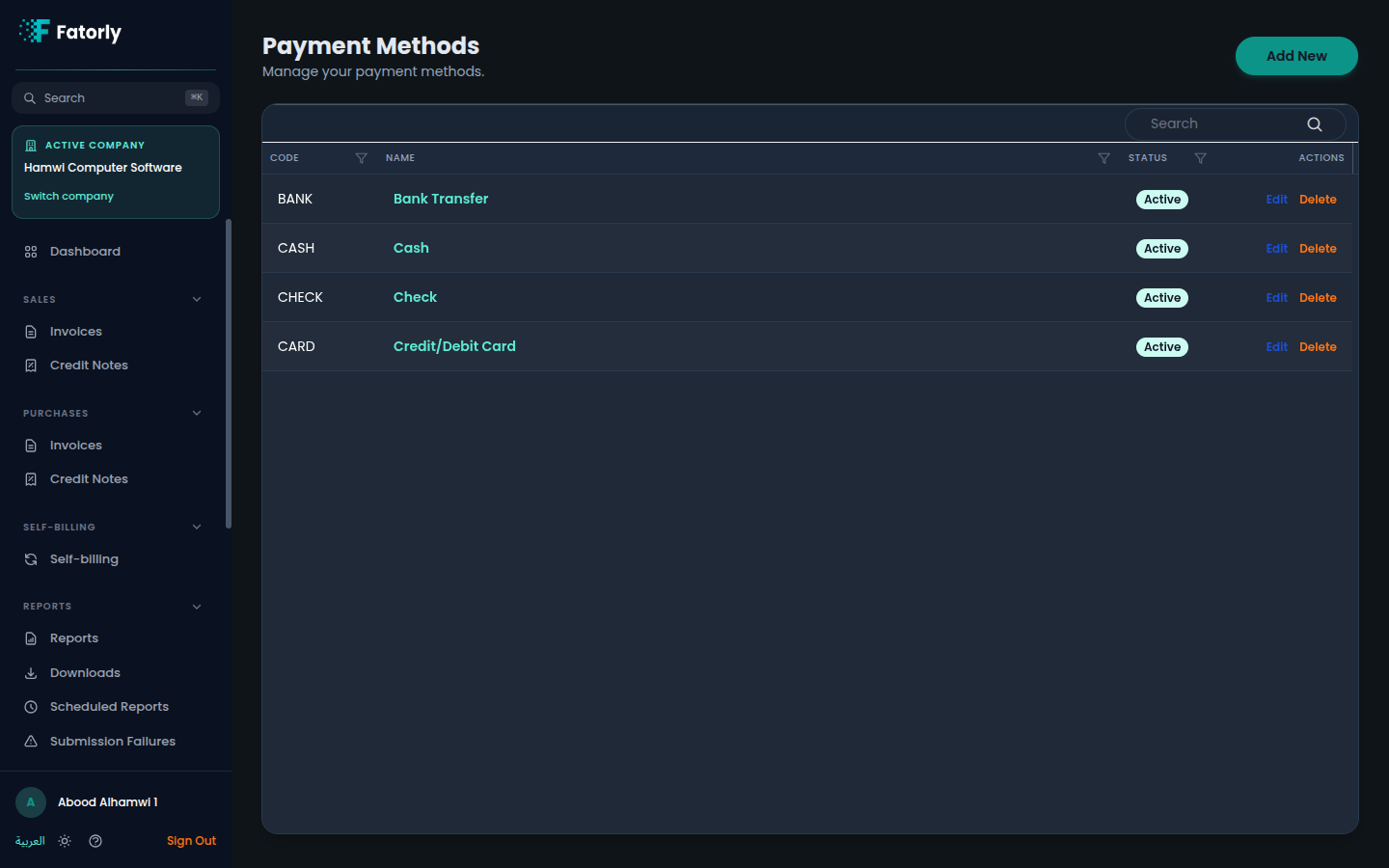
The list
Each row is one payment method. The grid has these columns:
- Code — a short identifier such as
BANK,CASH,CHECK, orCARD. - Name — the display name (for example Bank Transfer). Select it to edit.
- Status — Active methods appear in the picker on invoices; inactive ones are hidden.
- Actions — Edit and Delete.
Use the Search box to filter, and select any column header to sort. Fatorly comes with common methods pre-loaded, such as Bank Transfer, Cash, Check, and Credit/Debit Card.
Add a payment method
Select Add New in the top-right. An inline panel opens above the list.
Enter the details
Provide a unique Code, Name (English), and Name (Arabic).
Save
Select Save. New methods are Active by default and immediately available on invoices.
Tip
Mark methods you don't use as inactive (via Edit) to keep the selection list on invoices short and relevant.
Row actions
- Edit opens the method for changing its code, names, or status.
- Delete removes the method. Documents already issued are unaffected.
Related
- Create or Edit an Invoice — where you select a payment method for a document.