

Getting Started
Reset Password
Set a new password using the link from your reset email.
You reach this page from the link in your password-reset email. Use it to choose a new password for your account.
Set a new password
Open the link from your email
Select the reset link in the email you received after using Forgot Password. The link contains a secure token that authorizes the change.
Enter your new password
Type your new password, then re-enter it to confirm.
Submit
Select Reset Password. Once successful, you can sign in with your new password.
Fields
| Field | Required | Description |
|---|---|---|
| New Password | Yes | Your new password. Must be at least 6 characters. |
| Confirm Password | Yes | Must match the new password exactly. |
Validation
- The two passwords must match.
- The password must be at least 6 characters long.
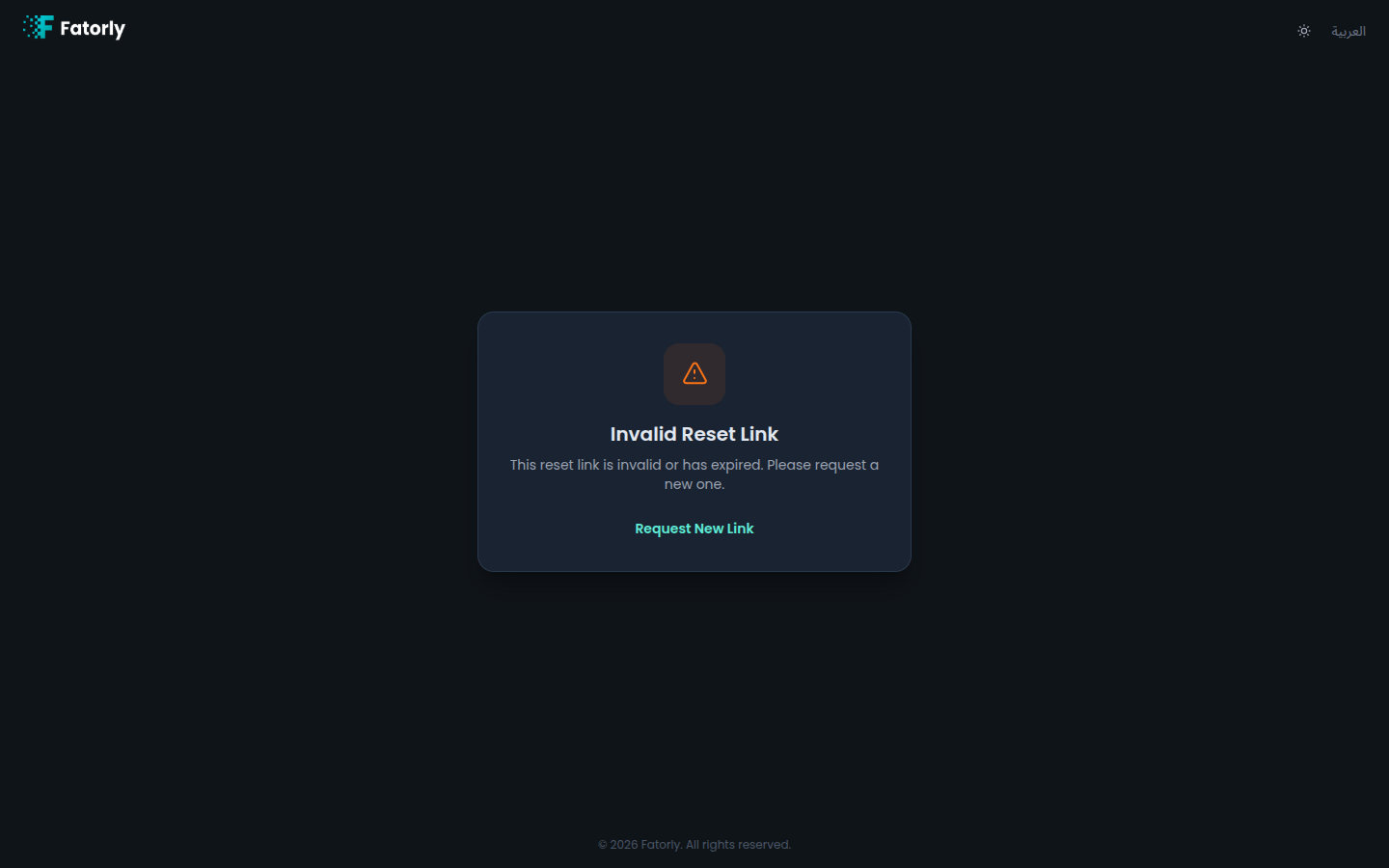
- The reset link must still be valid. If it has expired or already been used, request a new one from Forgot Password.
Warning
If you open this page without a valid reset link, the reset cannot complete. Always start from the link in your most recent reset email.
Tip
Already signed in and just want to update your password? Use Change Password instead.