

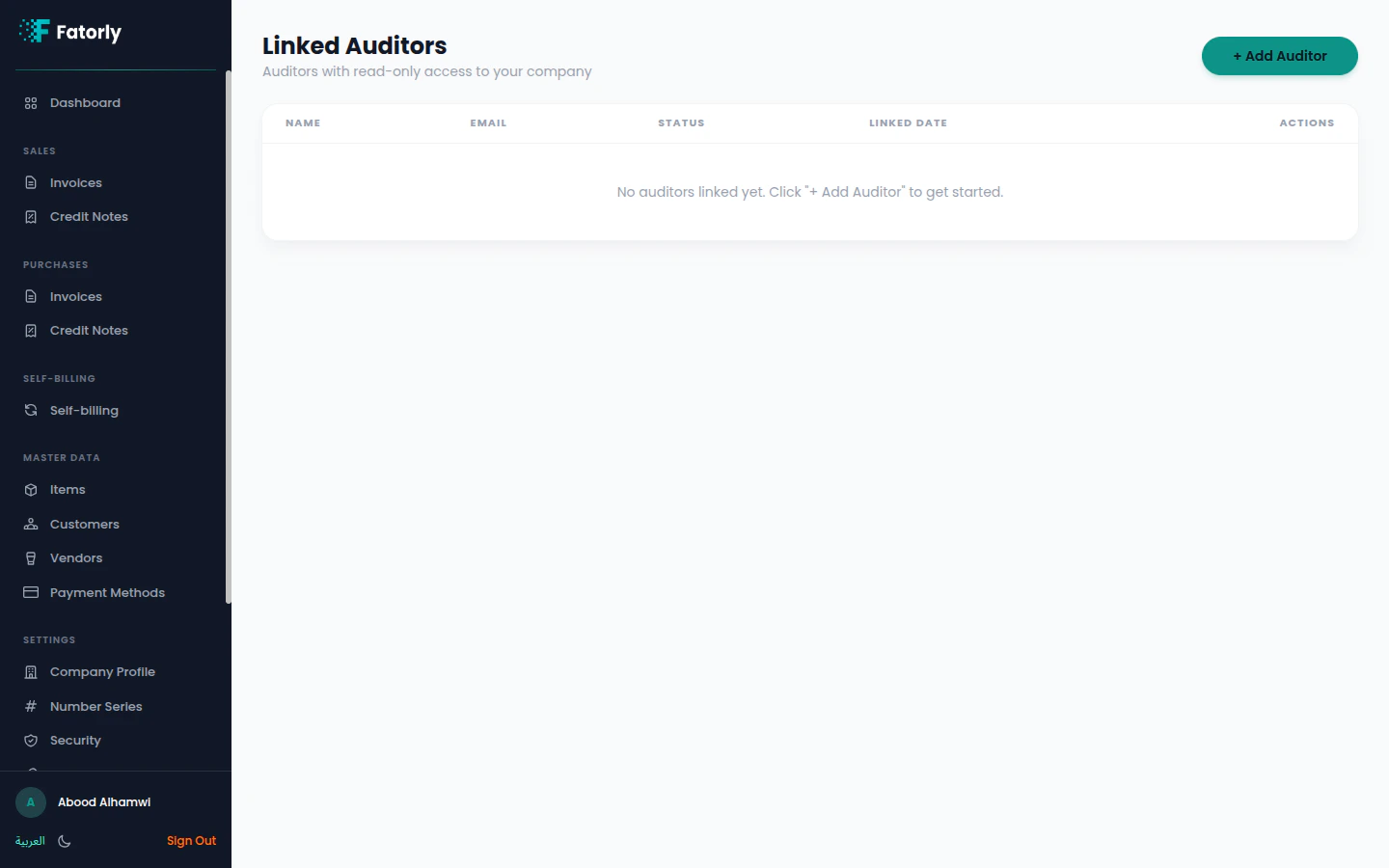
The list
Linked auditors are shown with their Name, Email, Status, and Linked Date, with a Revoke/remove action. When none are linked, the page shows an empty state.Add an auditor
1
Select Add Auditor
Choose + Add Auditor.
2
Enter the auditor's details
Provide the auditor’s email to send a linking invitation.
3
Auditor accepts
Once linked, the auditor can select your company from their
auditor view and review it read-only.
Auditors can view your data but cannot create, edit, or delete documents. Remove
an auditor at any time to revoke their access.