

Scheduled Reports
Set a report to run automatically on a recurring basis, and manage your existing schedules.
Scheduled Reports lets a report run on its own on a recurring basis, so the
export is ready without you opening the report each time. Open it from
Reports → Scheduled Reports in the sidebar, at /reports/schedules.
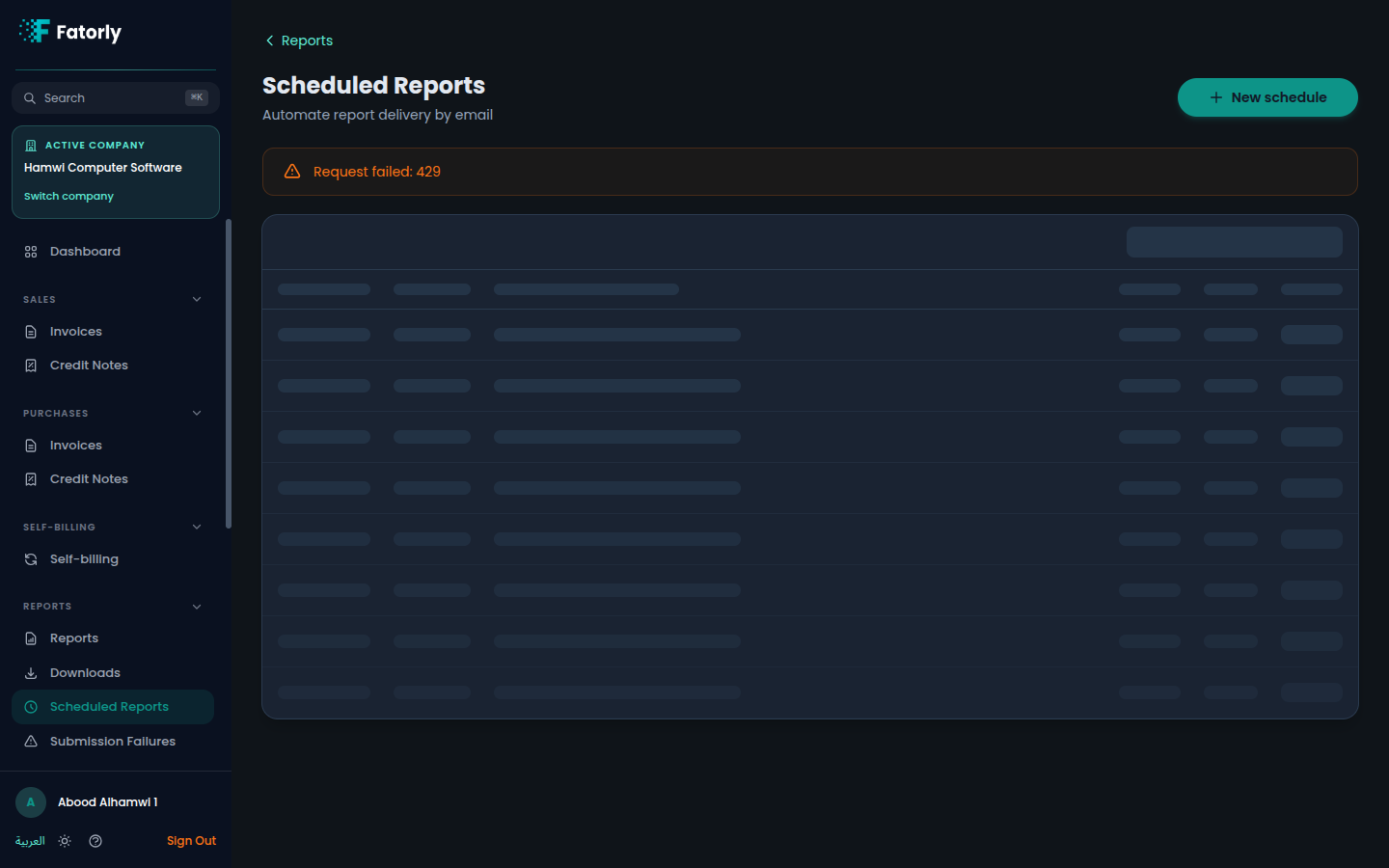
The list
Each row is one schedule — the report it runs, how often it runs, and the export format it produces. Use the list to review what you have set up and to make changes.
Create a schedule
Start a new schedule
From the Scheduled Reports page, begin a new schedule.
Choose the report and how it runs
Pick the report to run, set how often it should run, and choose the export format.
Save the schedule
Save it. From then on, Fatorly runs the report on the recurrence you set.
Where the exports go
Each time a schedule runs, the export it produces is added to your Downloads, alongside the exports you generate by hand.
Tip
Use a schedule for any report you read regularly — for example a periodic receivables-aging or VAT summary — so the latest export is always waiting in Downloads.
Related
- Downloads — where scheduled exports land.
- Running a Report — run a report once, by hand.
- Reports — the report hub.