

Getting Started
Sign In
Sign in to your Fatorly account.
The login page is where you access your Fatorly account using your email address and password.
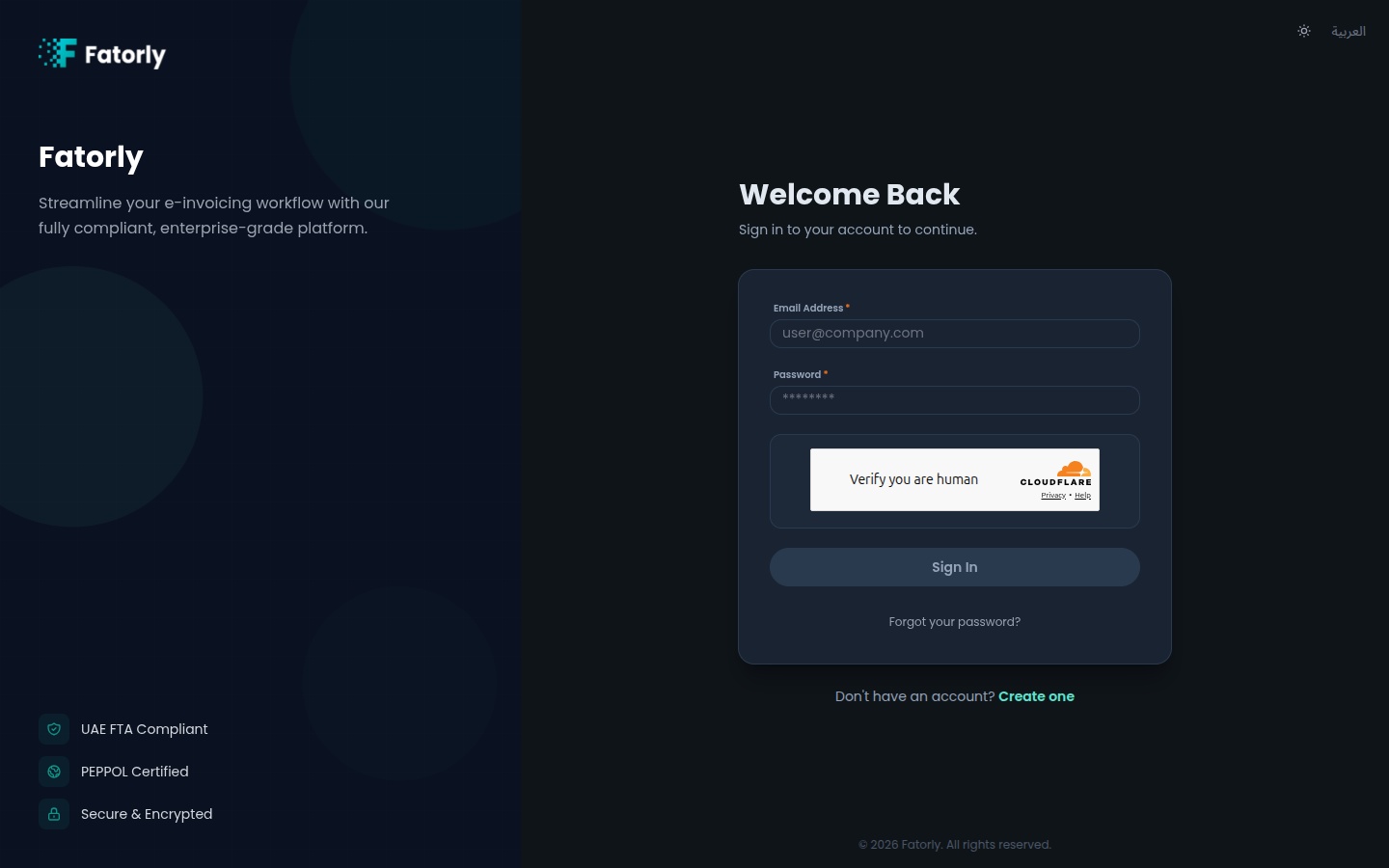
Sign in
Open the login page
Go to your Fatorly URL, or navigate to /login.
Enter your credentials
Type your registered email address and password. The Sign In button activates once both fields are filled.
Note
If your account has access to more than one company, you land on a company selector after signing in instead of going straight to the dashboard. Choose the company you want to work in — see Switching Companies.
Fields
| Field | Required | Description |
|---|---|---|
| Email Address | Yes | The email you registered with. |
| Password | Yes | Your account password. |
Switching language and theme
The top of the page has controls to switch between English and العربية and to toggle light/dark mode. Your choice is remembered on this device.
Tip
First time here? You need to verify your email before your first sign-in.
Trouble signing in?
- Forgot your password? Select the link below the form — see Forgot Password.
- No account yet? Select Create one — see Create an Account.