

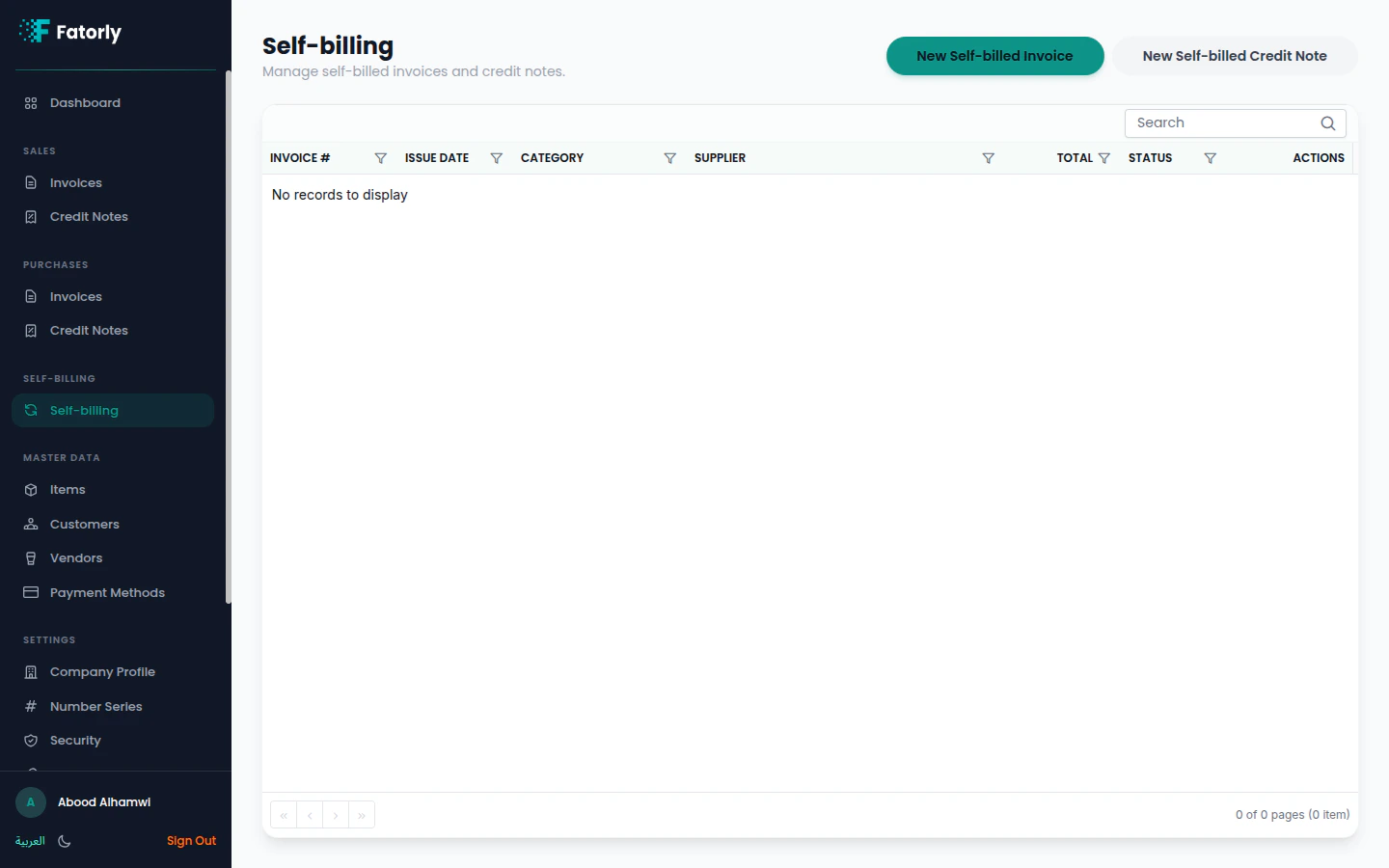
The list
The page lists your self-billed documents with their number, date, vendor, category, total, VAT, and status — with Search and sortable columns.When to use self-billing
Use self-billing when you have an agreement with a supplier to raise invoices on their behalf — common for certain procurement arrangements. The documents are categorized as Self-billed Tax Invoice and Self-billed Tax Credit Note.Select the vendor and add lines
Choose the supplier and add line items as you would on a normal invoice.
Submit
Review and submit over PEPPOL from the document view.
Self-billing must be agreed with your supplier and meet UAE FTA requirements
before you use it.