

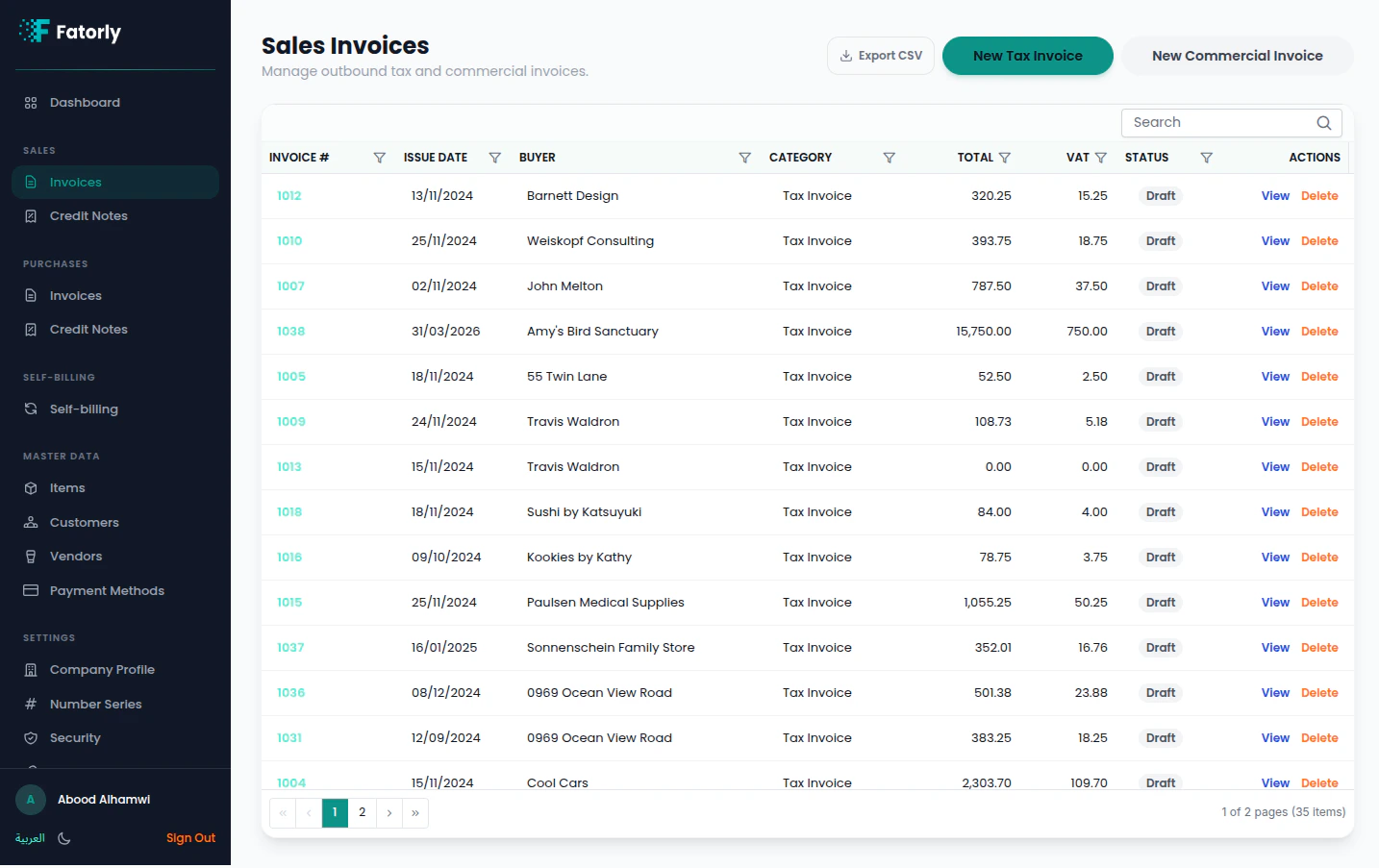
The list
Each row shows the Invoice #, Issue Date, Buyer, Category, Total, VAT, and Status. Use Search to filter and column headers to sort. Row actions are View and (for drafts) Delete.Create an invoice
Select New Tax Invoice or New Commercial Invoice to open the invoice editor.- Tax Invoice — for VAT-registered buyers.
- Commercial Invoice — for consumers or export.
Statuses
| Status | Meaning |
|---|---|
| Draft | Saved but not yet submitted. |
| Validated | Passed validation, ready to send. |
| Sent / Delivered | Submitted over PEPPOL. |
| Send Failed | Submission failed — open the invoice to see why. |
| Received | An inbound document. |