> ## Documentation Index
> Fetch the complete documentation index at: https://docs.fatorly.com/llms.txt
> Use this file to discover all available pages before exploring further.
# Company Auditors
> Grant auditors read-only access to your company.
This page manages the auditors linked to your company. A linked auditor gets
**read-only** access to your data — useful for accountants or external auditors
who need to review your invoices without making changes.
 ## The list
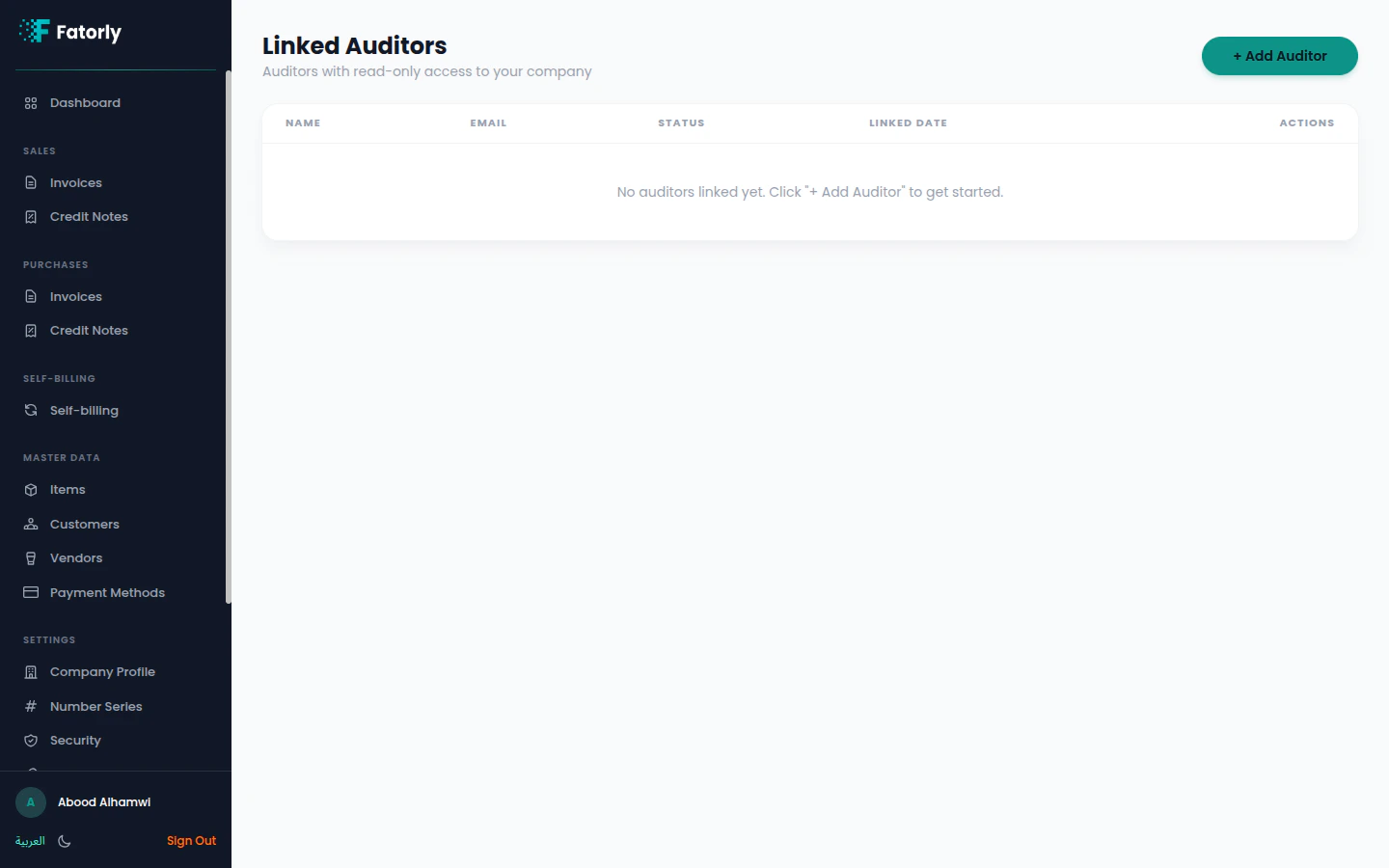
Linked auditors are shown with their **Name**, **Email**, **Status**, and
**Linked Date**, with a **Revoke**/remove action. When none are linked, the page
shows an empty state.
## Add an auditor
Choose **+ Add Auditor**.
Provide the auditor's email to send a linking invitation.
Once linked, the auditor can select your company from their
[auditor view](/en/auditor/company-selector) and review it read-only.
Auditors can view your data but cannot create, edit, or delete documents. Remove
an auditor at any time to revoke their access.
## The list
Linked auditors are shown with their **Name**, **Email**, **Status**, and
**Linked Date**, with a **Revoke**/remove action. When none are linked, the page
shows an empty state.
## Add an auditor
Choose **+ Add Auditor**.
Provide the auditor's email to send a linking invitation.
Once linked, the auditor can select your company from their
[auditor view](/en/auditor/company-selector) and review it read-only.
Auditors can view your data but cannot create, edit, or delete documents. Remove
an auditor at any time to revoke their access.