> ## Documentation Index
> Fetch the complete documentation index at: https://docs.fatorly.com/llms.txt
> Use this file to discover all available pages before exploring further.
# What's New
> Release notes and product updates for Fatorly.
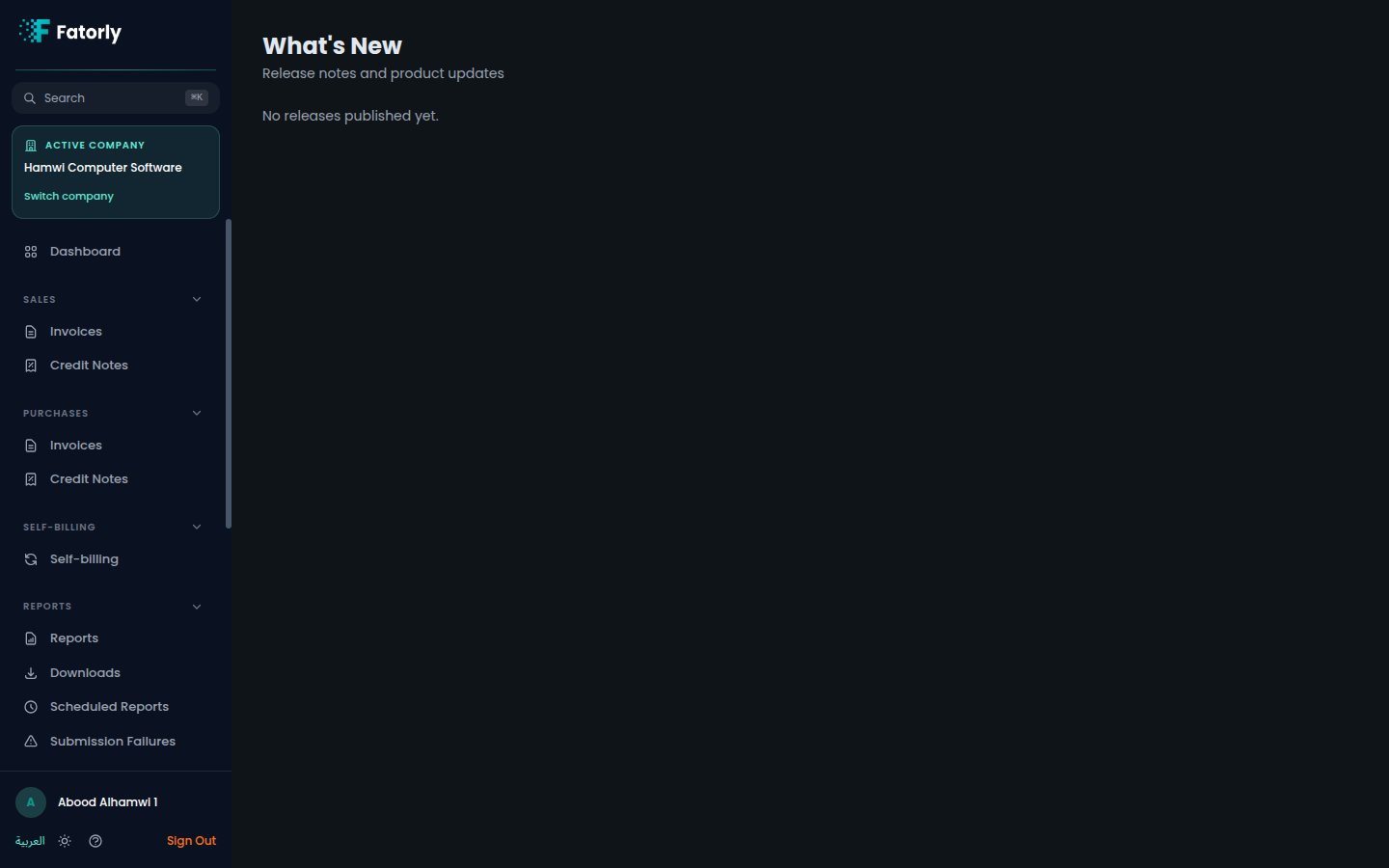
The **What's New** page (route `/whats-new`) lists release notes and product
updates so you can keep up with new features, improvements, and compliance
changes — in English and Arabic.
 ## What you'll find
Each release entry shows:
* A **title** and **version** (for example, `v2026.07.01`) with the release date.
* **Highlights** summarizing the update.
* Grouped changes under headings such as **New**, **Improved**,
**Security & Reliability**, and **Compliance**.
## Opening the page
In the sidebar, under **Account**, select **What's New** (`/whats-new`). The most
recent release appears at the top.
Release notes follow your language setting — switch between English and العربية
from your [profile](/en/account/profile) to read them in either language.
## What you'll find
Each release entry shows:
* A **title** and **version** (for example, `v2026.07.01`) with the release date.
* **Highlights** summarizing the update.
* Grouped changes under headings such as **New**, **Improved**,
**Security & Reliability**, and **Compliance**.
## Opening the page
In the sidebar, under **Account**, select **What's New** (`/whats-new`). The most
recent release appears at the top.
Release notes follow your language setting — switch between English and العربية
from your [profile](/en/account/profile) to read them in either language.