> ## Documentation Index
> Fetch the complete documentation index at: https://docs.fatorly.com/llms.txt
> Use this file to discover all available pages before exploring further.
# Verify Email
> Confirm your email address to activate your Fatorly account.
After you register, Fatorly sends a verification email. Selecting the link in
that email opens this page, which confirms your address and activates your
account.
 ## How verification works
Create your account on the [registration page](/en/getting-started/register).
Check your inbox for the email from Fatorly and select the verification link.
The page verifies your token automatically and shows the result.
On success, select **Sign In** to go to the
[login page](/en/getting-started/login).
## Page states
| State | What it means |
| -------------------- | -------------------------------------------------------------------------------- |
| Verifying | The link is being checked. This is shown briefly while processing. |
| Success | Your email is confirmed and your account is active. You can now sign in. |
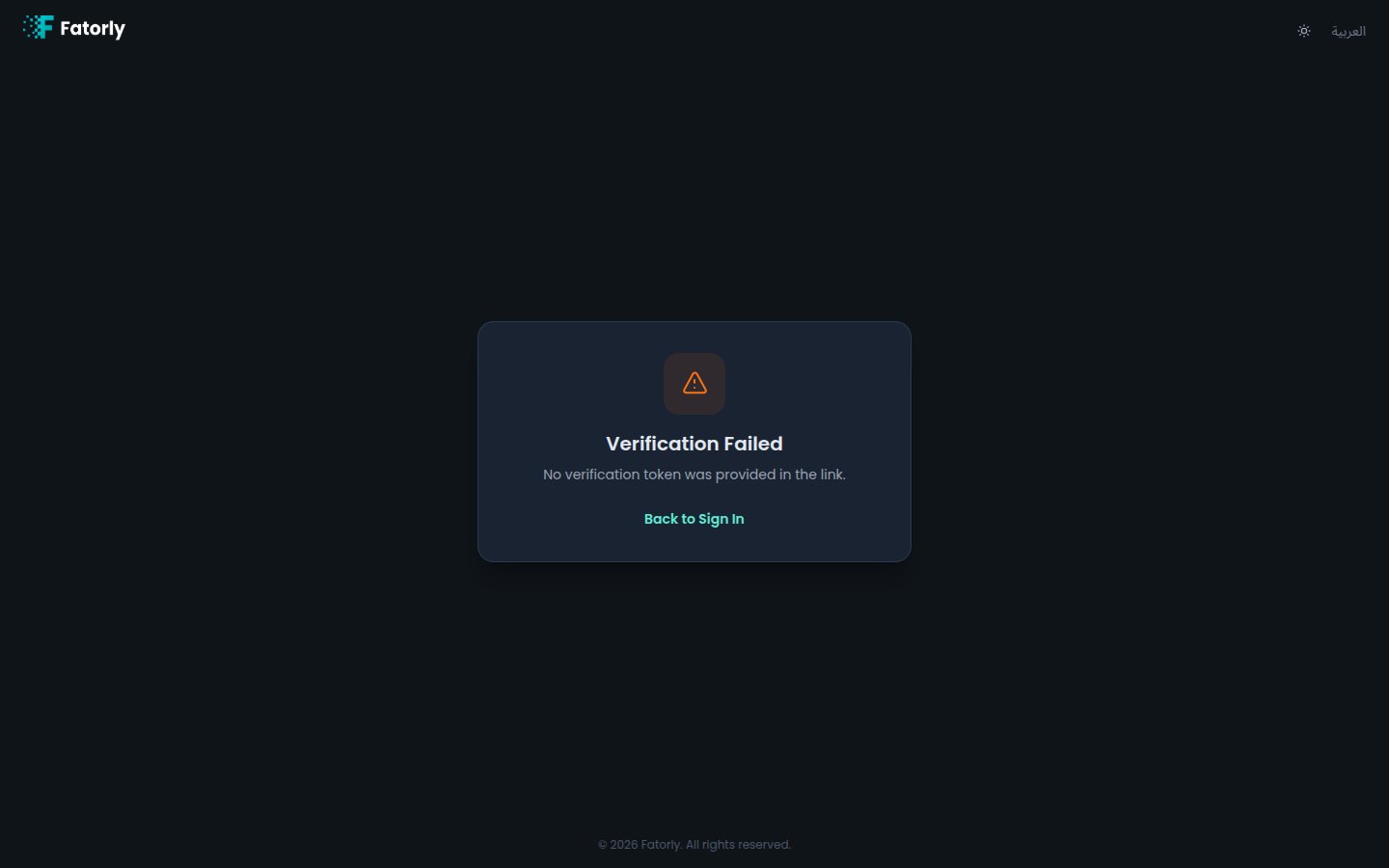
| Error / link invalid | The link is missing, expired, or already used. Request a new verification email. |
Didn't get the email? You can resend it from the confirmation screen shown right
after registering. Also check your spam or junk folder.
## How verification works
Create your account on the [registration page](/en/getting-started/register).
Check your inbox for the email from Fatorly and select the verification link.
The page verifies your token automatically and shows the result.
On success, select **Sign In** to go to the
[login page](/en/getting-started/login).
## Page states
| State | What it means |
| -------------------- | -------------------------------------------------------------------------------- |
| Verifying | The link is being checked. This is shown briefly while processing. |
| Success | Your email is confirmed and your account is active. You can now sign in. |
| Error / link invalid | The link is missing, expired, or already used. Request a new verification email. |
Didn't get the email? You can resend it from the confirmation screen shown right
after registering. Also check your spam or junk folder.