> ## Documentation Index
> Fetch the complete documentation index at: https://docs.fatorly.com/llms.txt
> Use this file to discover all available pages before exploring further.
# Sign In
> Sign in to your Fatorly account.
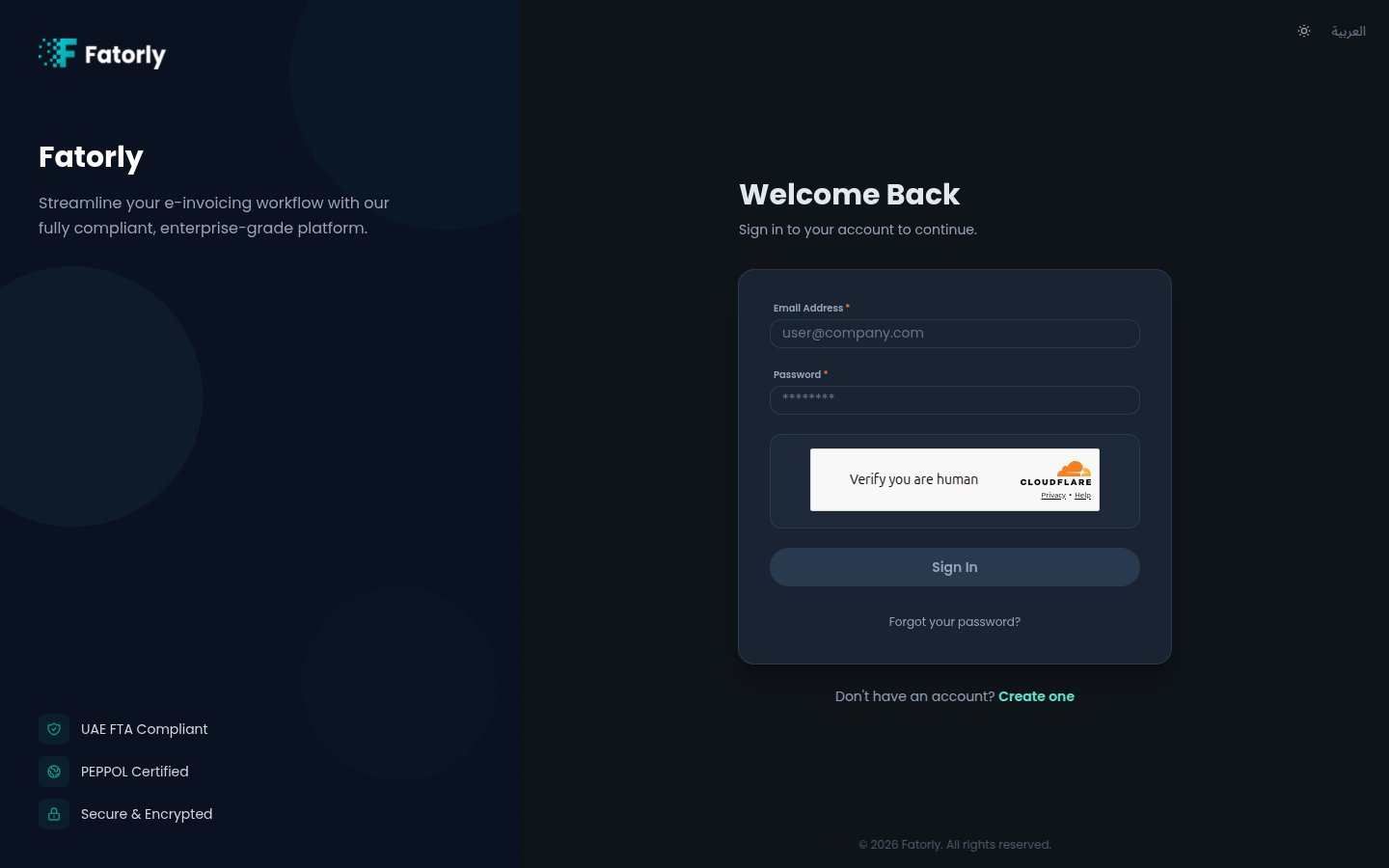
The login page is where you access your Fatorly account using your email address
and password.
 ## Sign in
Go to your Fatorly URL, or navigate to `/login`.
Type your registered email address and password. The **Sign In** button
activates once both fields are filled.
You are taken to your [dashboard](/en/home/dashboard). If two-factor
authentication is enabled on your account, you are prompted for your
authenticator code first — see [MFA Setup](/en/getting-started/mfa-setup).
If your account has access to more than one company, you land on a **company
selector** after signing in instead of going straight to the dashboard. Choose
the company you want to work in — see
[Switching Companies](/en/multi-company/switching-companies).
## Fields
| Field | Required | Description |
| ------------- | -------- | ------------------------------ |
| Email Address | Yes | The email you registered with. |
| Password | Yes | Your account password. |
## Switching language and theme
The top of the page has controls to switch between **English** and **العربية**
and to toggle light/dark mode. Your choice is remembered on this device.
First time here? You need to [verify your email](/en/getting-started/verify-email)
before your first sign-in.
## Trouble signing in?
* **Forgot your password?** Select the link below the form — see
[Forgot Password](/en/getting-started/forgot-password).
* **No account yet?** Select **Create one** — see
[Create an Account](/en/getting-started/register).
## Sign in
Go to your Fatorly URL, or navigate to `/login`.
Type your registered email address and password. The **Sign In** button
activates once both fields are filled.
You are taken to your [dashboard](/en/home/dashboard). If two-factor
authentication is enabled on your account, you are prompted for your
authenticator code first — see [MFA Setup](/en/getting-started/mfa-setup).
If your account has access to more than one company, you land on a **company
selector** after signing in instead of going straight to the dashboard. Choose
the company you want to work in — see
[Switching Companies](/en/multi-company/switching-companies).
## Fields
| Field | Required | Description |
| ------------- | -------- | ------------------------------ |
| Email Address | Yes | The email you registered with. |
| Password | Yes | Your account password. |
## Switching language and theme
The top of the page has controls to switch between **English** and **العربية**
and to toggle light/dark mode. Your choice is remembered on this device.
First time here? You need to [verify your email](/en/getting-started/verify-email)
before your first sign-in.
## Trouble signing in?
* **Forgot your password?** Select the link below the form — see
[Forgot Password](/en/getting-started/forgot-password).
* **No account yet?** Select **Create one** — see
[Create an Account](/en/getting-started/register).