> ## Documentation Index
> Fetch the complete documentation index at: https://docs.fatorly.com/llms.txt
> Use this file to discover all available pages before exploring further.
# Forgot Password
> Request a password reset link for your Fatorly account.
If you cannot remember your password, use this page to request a reset link.
Fatorly emails you a secure link to set a new password.
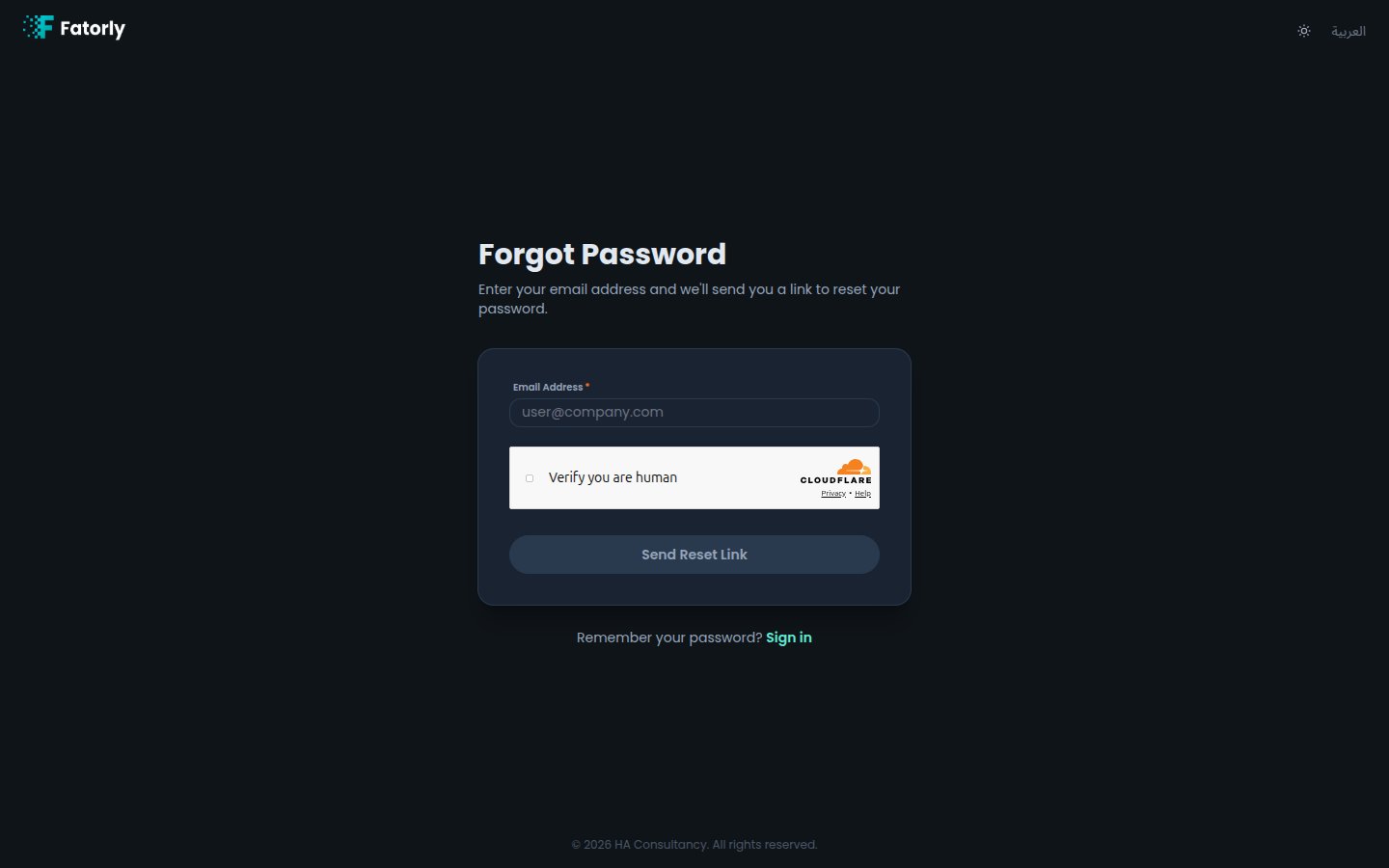 ## Request a reset link
From the [login page](/en/getting-started/login), select **Forgot your
password?**, or navigate to `/forgot-password`.
Type the email address registered to your account.
If a security check is shown, complete it.
Select **Send Reset Link**. A confirmation appears letting you know an email
is on its way if the address matches an account.
Follow the link in the email to set a new password — see
[Reset Password](/en/getting-started/reset-password).
For security, the confirmation message is the same whether or not the email
matches an existing account. This prevents others from discovering which emails
are registered.
The reset link expires after a limited time. If it stops working, simply request
a new one from this page.
Remembered your password? Select **Sign in** to return to the
[login page](/en/getting-started/login).
## Request a reset link
From the [login page](/en/getting-started/login), select **Forgot your
password?**, or navigate to `/forgot-password`.
Type the email address registered to your account.
If a security check is shown, complete it.
Select **Send Reset Link**. A confirmation appears letting you know an email
is on its way if the address matches an account.
Follow the link in the email to set a new password — see
[Reset Password](/en/getting-started/reset-password).
For security, the confirmation message is the same whether or not the email
matches an existing account. This prevents others from discovering which emails
are registered.
The reset link expires after a limited time. If it stops working, simply request
a new one from this page.
Remembered your password? Select **Sign in** to return to the
[login page](/en/getting-started/login).