> ## Documentation Index
> Fetch the complete documentation index at: https://docs.fatorly.com/llms.txt
> Use this file to discover all available pages before exploring further.
# Your Profile
> Manage your name, contact details, preferences, and account security.
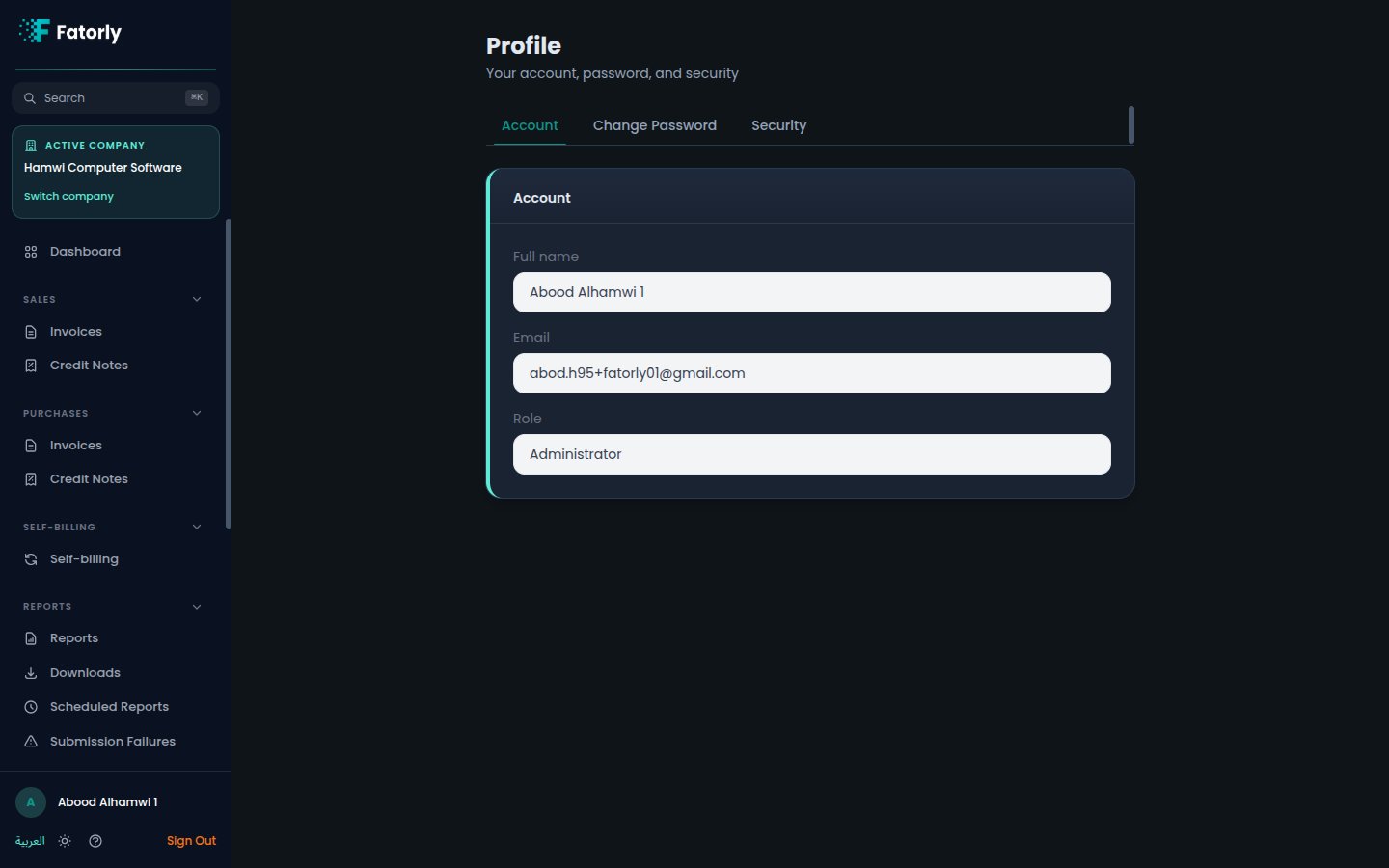
The **Profile** page (route `/profile`) is where you manage your personal
account — your name and contact details, your language and theme preferences, and
your account security. Open it from **Account** in the sidebar.
 ## Your details
The profile shows the basic information tied to your user account:
| Field | Description |
| ----- | -------------------------------------------------------------------- |
| Name | Your display name. |
| Email | The email you sign in with and where account notifications are sent. |
This page covers your personal user account. Settings that apply to your business
live under **Company** — see [Company Profile](/en/settings/company-profile).
## Preferences
Choose how the app looks for you:
* **Language** — switch between **English** and **العربية**.
* **Theme** — switch between light and dark mode.
Your choice is remembered for your account.
## Security
From the profile area you can keep your account secure:
* **Change password** — update your password while signed in. See
[Change Password](/en/settings/change-password).
* **Two-factor authentication (MFA)** — the entry point for setting up an
authenticator app for an extra layer of security. See
[MFA Setup](/en/getting-started/mfa-setup).
Enabling two-factor authentication is the single best step you can take to
protect your account.
## Related
* [Change Password](/en/settings/change-password) — update your password.
* [MFA Setup](/en/getting-started/mfa-setup) — add two-factor authentication.
* [Switching Companies](/en/multi-company/switching-companies) — if your account
has access to more than one company.
## Your details
The profile shows the basic information tied to your user account:
| Field | Description |
| ----- | -------------------------------------------------------------------- |
| Name | Your display name. |
| Email | The email you sign in with and where account notifications are sent. |
This page covers your personal user account. Settings that apply to your business
live under **Company** — see [Company Profile](/en/settings/company-profile).
## Preferences
Choose how the app looks for you:
* **Language** — switch between **English** and **العربية**.
* **Theme** — switch between light and dark mode.
Your choice is remembered for your account.
## Security
From the profile area you can keep your account secure:
* **Change password** — update your password while signed in. See
[Change Password](/en/settings/change-password).
* **Two-factor authentication (MFA)** — the entry point for setting up an
authenticator app for an extra layer of security. See
[MFA Setup](/en/getting-started/mfa-setup).
Enabling two-factor authentication is the single best step you can take to
protect your account.
## Related
* [Change Password](/en/settings/change-password) — update your password.
* [MFA Setup](/en/getting-started/mfa-setup) — add two-factor authentication.
* [Switching Companies](/en/multi-company/switching-companies) — if your account
has access to more than one company.